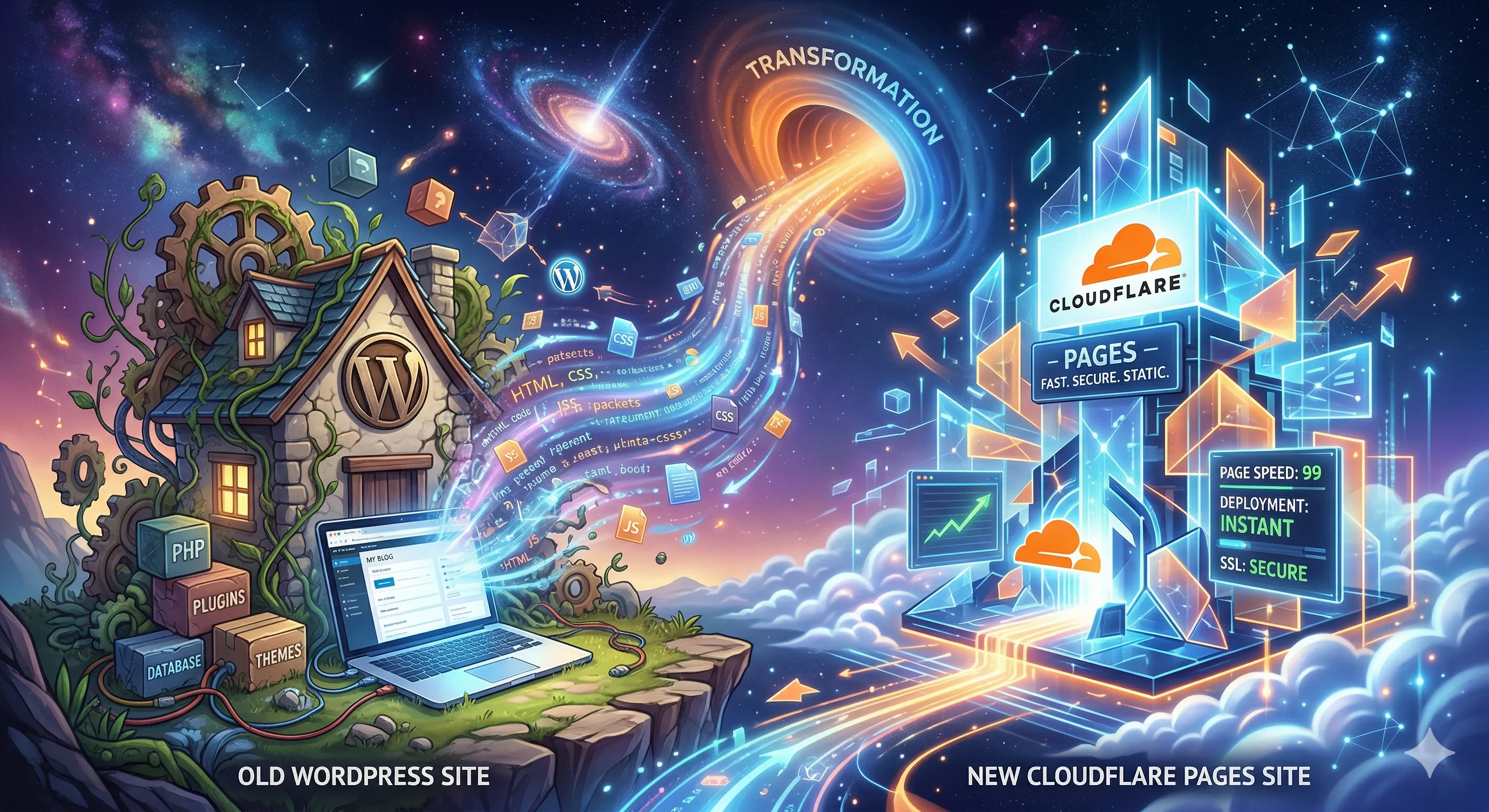
This personal blog of mine has been running on self-hosted WordPress for more than a decade, pretty much unchanged outside of typical themes, plugins, Wordpress updates, etc. Since I’ve been diving into various AI tools lately, I decided to explore new options for the personal blog site. Part of the reason was Wordpress itself being a constant treadmill of updates, security patches, overkill for a simple personal blog, and generally just wanting to try something new.
I haven’t really been keeping up with the latest and greatest tools in this space for quite some time, so I fired up Google’s Gemini for a chat about options. For my simple needs, the suggestion was to create an Astro based site, stored in GitHub, and hosted on Cloudflare Pages. The end result would be a locally developed and maintained website, deployed as a static highly available site, for no cost. Sounded good to me.
The AI Assistant
Outside of GitHub, I knew literally nothing about all of the other tools that were suggested, so I decided to try this as an AI first project. It would also give me a chance to dive into Google’s new Antigravity IDE. I had used Antigravity a bit to develop a few small Python utilities for work, but was still trying to come to grips with the new agentic approach to development.
Based upon the suggestion from Gemini, I asked Antigravity basically the following:
Initialize a new Astro v6 project in the current directory. Use the ‘blog’ template. I want to use TypeScript in strict mode and npm as the package manager. This is for a WordPress migration, so I’ll eventually need to handle blog posts and categories.
This got Antigravity going, installing the required tools, initializing the local git directory, setting up the basic configuration of the site, and so on. It took a bit of back-and-forth with the AI to answer my questions about the various pieces and settings. I was trying to learn as it went along, verifying each prompt and iteration, and getting a better handle on the tools that this site would be based upon. I find this method of learning new topics way better than just vibe coding and letting the AI do everything automatically. In the end, it may take longer, but I’ll know maybe 30% of the stuff I’m deploying…and that’s 30% more than you get with blind vibe coding IMO.
Local Dev and Content Conversion
One of the cool things about Astro, is the purely local development model. Once I got past the initial setup and configuration, a simple “npm run dev” command spins up a local web server where the site can be tested in real time while performing updates. This was very cool and fairly frictionless. A few more conversations with AI to get the foundation of the site up and running.
Next it was time to convert the old WordPress posts and pages to Astro. Another great feature of Astro is that your content is simply managed via markdown files. Gemini was able to give me the steps and tools required to convert the WordPress content to markdown, which involved exporting from within WordPress to an XML file and a couple of utilities that could read that file and create the required markdown files.
That got me about me about 80% of the way there for the posts and pages I decided to keep. Some of the older content was out of date or irrelevant, so I opted to retire it to the dark recesses of my hard drive archive. If I had much more content to deal with, I could have spent more time crafting Python utilities to get that 80% closer to 100%, but it wasn’t too taxing to just manually tweak the markdown files.
With the content and a basic layout in place, I could issue the “npm run build” command to have Astro generate the static site. There were quite a few hiccups in this step that required more AI conversations and Antigravity prompts to correct. Mostly bad paths or missing images, and some tweaks to the various Astro configuration files.
Tip: Use the low cost or free models for simple questions and save the larger models for the implementation or correcting the codebase. I would use Gemini with the fast model (and sometimes free-tier ChatGPT) for discovering information about tools and approaches to solutions, while using Antigravity with the Gemini Pro model for the heavy lifting.
Deploying to Pages
Now that everything was looking good on my local machine, it was time for the hosting. First step was to commit and push the local directory up to its associated GitHub repo. The Antigravity setup took care of creating the proper .gitignore file, so we aren’t pushing up more than what is needed.
Next came configuring Cloudflare Pages, which will connect to the GitHub repo, build the static site, and host it on Pages. This step took many different conversations with AI to get it setup correctly. The gist of the process was laid out plainly enough, but Cloudflare’s UI in their dashboard is overloaded with options and a bit confusing as to how to proceed. It seems powerful once you get the hang of it though. Once that process is all worked out, Pages will detect new revisions to the main branch in the GitHub repo, run the build command so Astro can create the static site, and then host just that static portion within Pages. They’ll give you a URL (https://your-site.pages.dev/), but you can add a custom domain as well. I even moved my domain registrar to Cloudflare, just to keep it simple.
Future Updates
Going forward, the process for adding a new blog post (or changes to the overall layout and theme) involve creating a new markdown file for the post, adding a bit of info at the top of the file called front-matter (Just some basic info about the post in YAML format), test it out locally if you wish, and then commit & push the updates to GitHub. The Cloudflare Page will detect the update and rebuild the site in just a few minutes. It is all pretty slick once it is working.
The best part is that I was able to move this blog and another site off of WordPress (yay, no more updates!) and shut down an entire virtual server that I had been maintaining forever (at a monthly cost).
This AI first experiment was completed much quicker and with less hair pulling, than if I had tried to pour through documentation and online help. For me, using AI as an intelligent partner is a great way to learn new tools and techniques to get things done quickly. It lessens the pain points, while still keeping the tasks interesting enough (at least for me).
Reach out to me via the social or email links below if you have questions or want me to dive deeper in a future article.